
iPhone and Android
Birdly
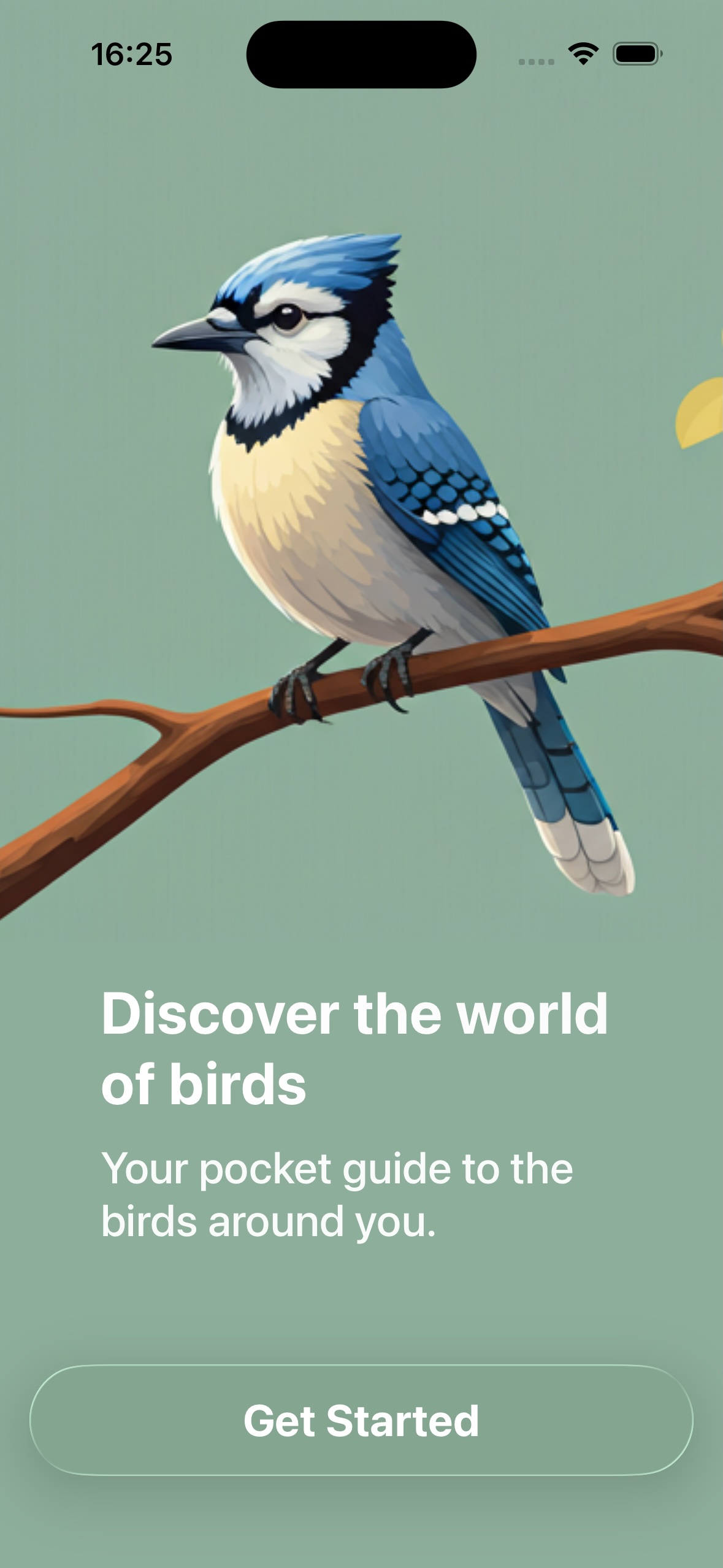
Your pocket guide to the birds around you. Learn names through short games and repetition — garden visitors, seasonal migrants, and raptors.
Android uses the same lessons and the same design. Progress stays on each device.
Screenshots
What it does
-
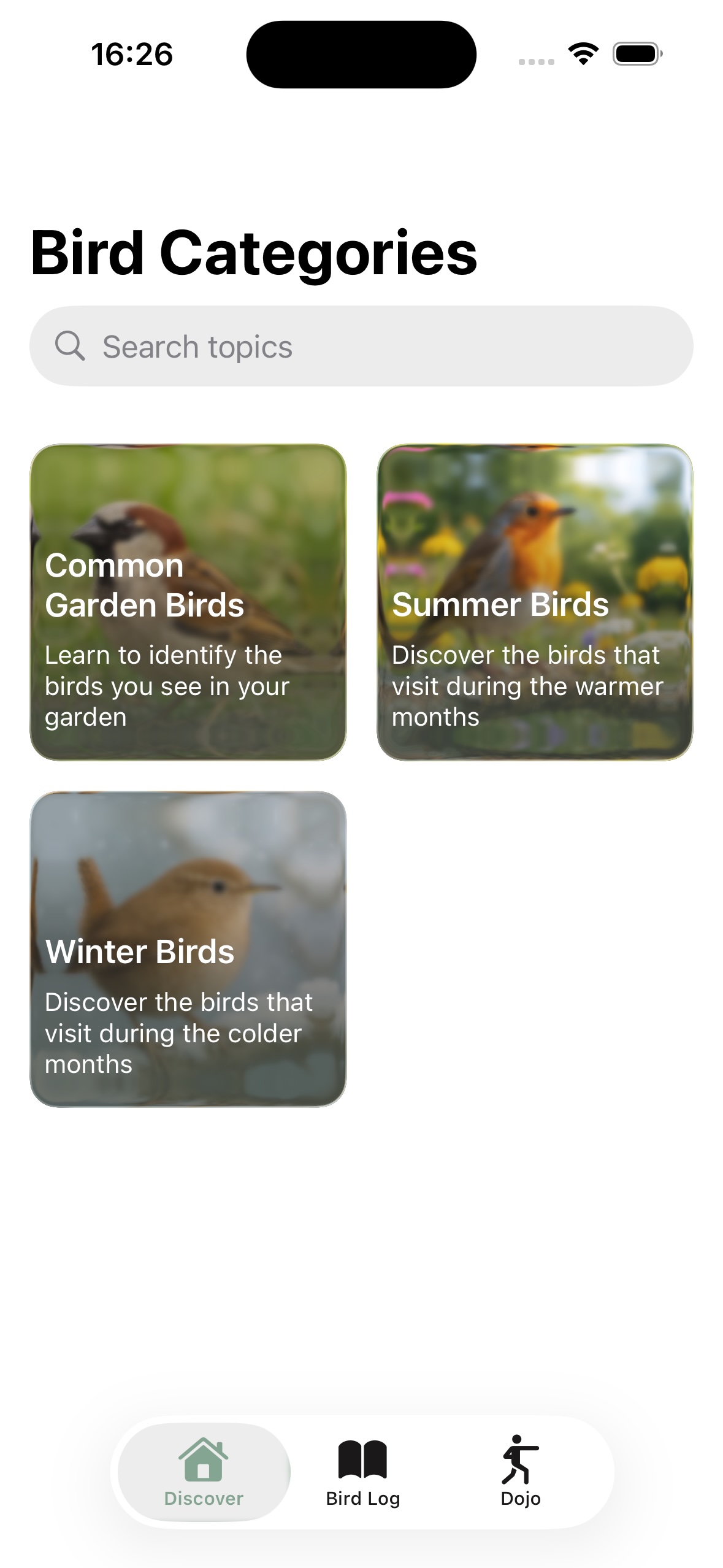
Discover topics
Four sets of ten birds: common garden species, winter visitors, summer migrants, and raptors. Each bird has perched and in-flight photos.
-
Play five games
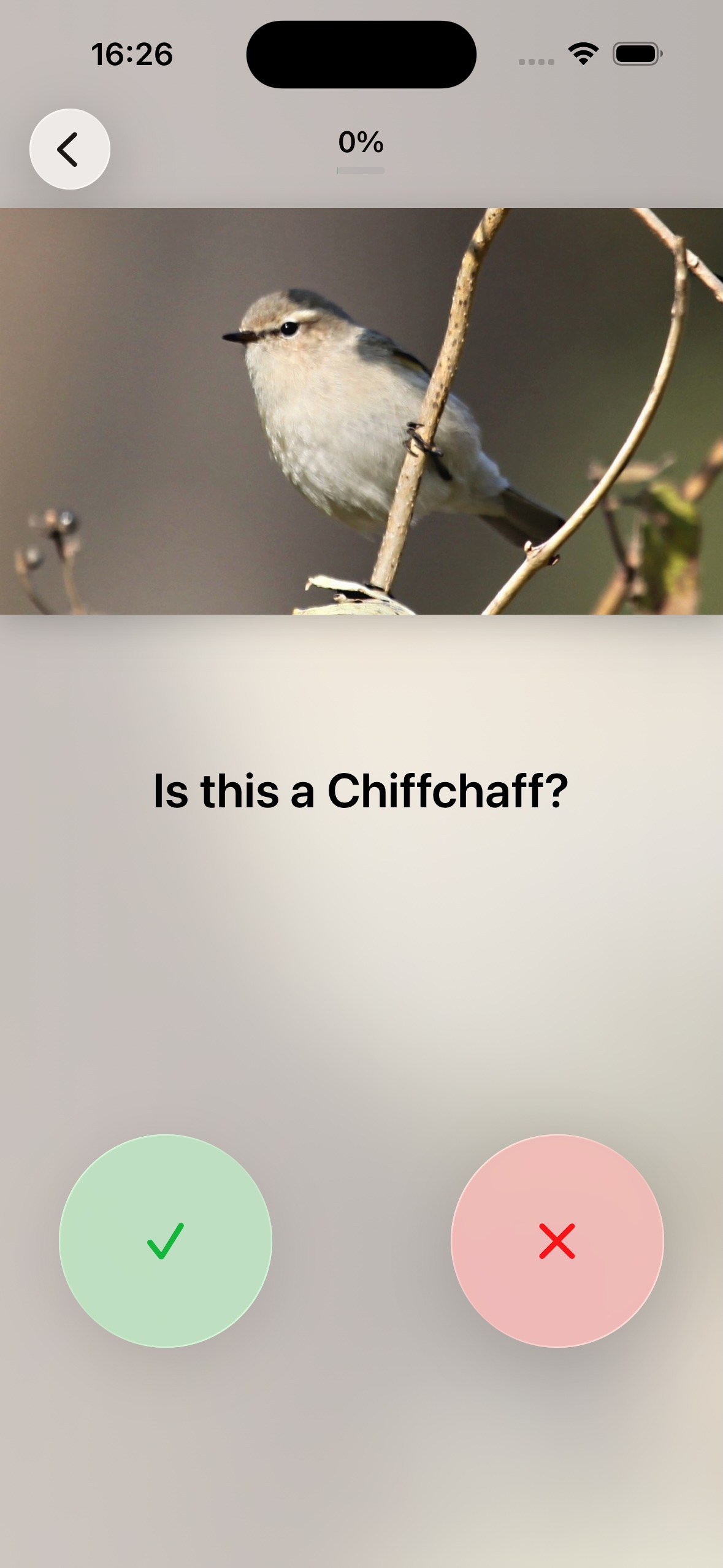
Start with an introduction, then multiple choice, true or false, letter selection, and word search as you get more confident.
-
Keep a bird log
See every bird you have practised and how well you know it, grouped by topic.
-
Train in the Dojo
Once a bird has been introduced, mix them all together for extra practice.
How you learn
Games get harder as your mastery goes up. Wrong answers bring a bird back into practice.
-
1
Introduction
See the bird, its name, and a short description before anything is tested.
-
2
Multiple choice and true or false
Pick the right name, or decide whether the photo matches the label.
-
3
Spell it, then find it
Build the name letter by letter, then hunt for it in a word search.
Support
Answers to common questions. If you still need help, get in touch below.
- Does Birdly need an internet connection?
- No. Photos, names, and games are stored in the app. You can learn fully offline.
- Do I need an account?
- No. There are no accounts, ads, or analytics. See the privacy policy.
- Where is my progress stored?
- On that phone or tablet. iPhone and Android copies do not sync with each other. Deleting the app removes the local progress.
- How do I turn sounds or haptics off?
- Open Settings from Discover. You can toggle sounds and haptic feedback independently.
- Is the source code available?
- Yes. Birdly is free software under the GNU GPL v3. iPhone: github.com/anthonyc-r/birdly. Android: github.com/anthonyc-r/birdly-android.
Contact
For bugs or other questions, email tony@tonyo.tech and mention Birdly in the subject.